Best Non Custodial Wallet for Privacy and Security
The best non custodial wallet is one that gives you complete control over your private keys while matching your specific security requirements and usage patterns. No single wallet works for everyone. Your choice depends on whether you prioritize hardware isolation, mobile convenience, or multi-chain support. The right wallet balances security, usability, and compatibility with the assets you hold.
A non-custodial wallet means you control the private keys. The wallet provider can't freeze your funds, block transactions, or require identity verification. This is different from custodial services where exchanges and platforms hold your keys and can impose restrictions. When you use non-custodial software, you're responsible for backup and security. Lose your seed phrase and nobody can recover your funds.
Hardware Wallets Offer Maximum Security
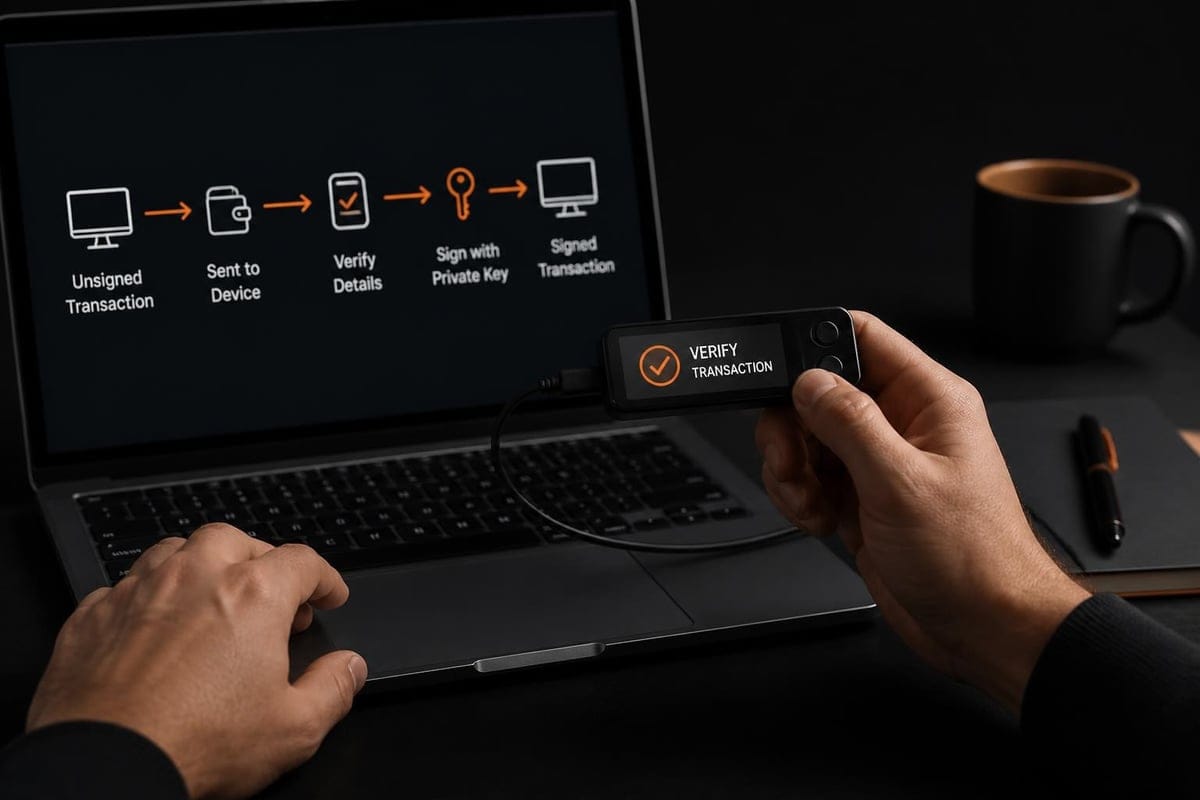
Hardware wallets store private keys on dedicated devices that never expose keys to your computer or phone. They sign transactions internally and only transmit signed data. This isolation protects against malware that might be running on your desktop or mobile device.
Ledger and Trezor Remain Industry Standards
Ledger devices use a secure element chip to store keys. The Nano S Plus costs around $79 and supports thousands of coins including Bitcoin, Ethereum, and Monero through third-party integrations. The Nano X adds Bluetooth connectivity for mobile use at $149. Both require you to verify addresses on the device screen before signing.
Trezor takes a different approach with fully open-source firmware. The Model One starts at $69 while the Model T ($219) adds a touchscreen and expanded coin support. Trezor doesn't use a secure element, which some developers prefer for auditability but others view as a security trade-off. Hardware wallet selection involves balancing open source principles against physical security features.
Key hardware wallet features:
- Air-gapped key storage that never touches networked devices
- Physical buttons to confirm transactions on the device itself
- Seed phrase backup written on paper during initial setup
- PIN protection against physical theft
- Support for multiple cryptocurrencies on one device
Passport and Coldcard Target Bitcoin Users
Foundation Passport focuses exclusively on Bitcoin with an emphasis on privacy. The device costs $259 and uses a completely air-gapped design with QR codes or microSD cards for data transfer. No USB connection to your computer means reduced attack surface. The camera scans QR codes from your watch-only wallet software.
Coldcard similarly targets Bitcoin-only users who want maximum security. It supports PSBT (Partially Signed Bitcoin Transactions) and can operate completely offline. You can verify addresses on the device and import unsigned transactions via microSD card. This makes sense for users who treat Bitcoin as long-term savings and rarely transact.
| Wallet | Price | Coins | Connection | Open Source |
|---|---|---|---|---|
| Ledger Nano S Plus | $79 | 5,500+ | USB | Partial |
| Trezor Model One | $69 | 1,000+ | USB | Full |
| Trezor Model T | $219 | 1,000+ | USB | Full |
| Passport | $259 | Bitcoin | QR/microSD | Full |
| Coldcard | $157 | Bitcoin | USB/microSD | Full |
Mobile Wallets Balance Convenience and Control
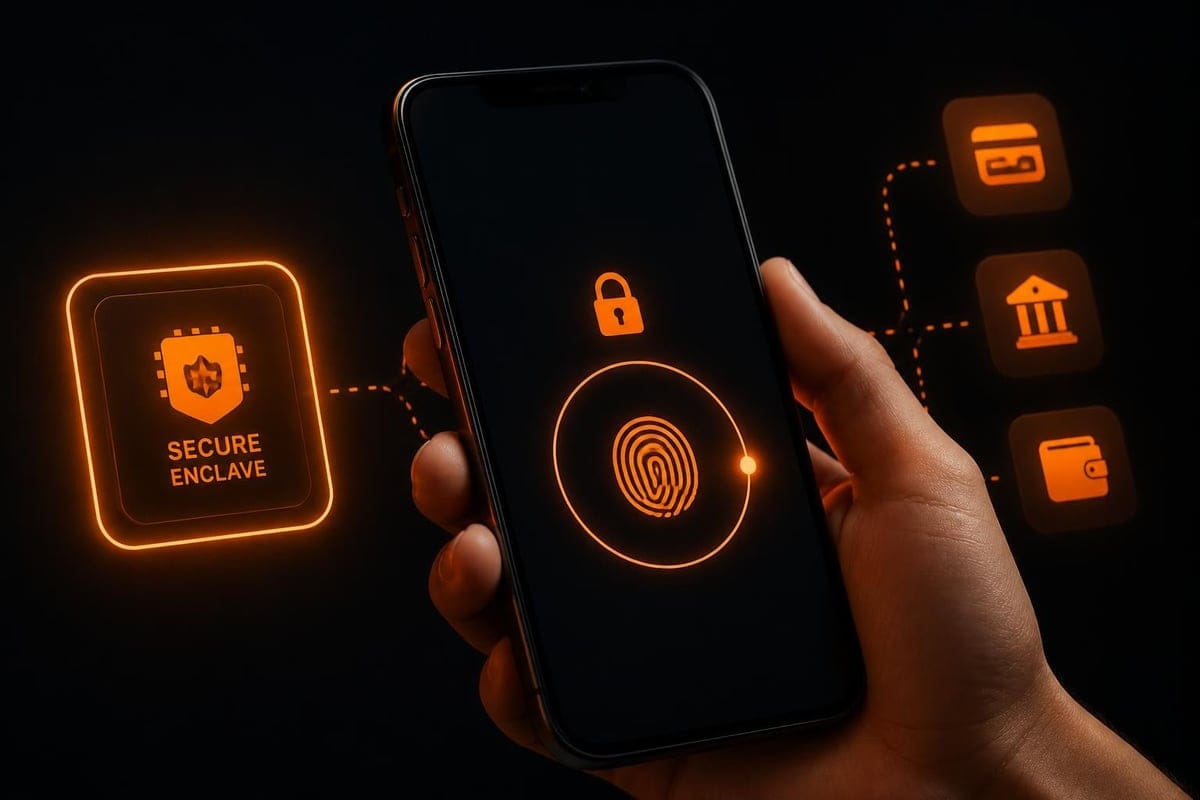
Mobile wallets run on your phone and store keys in the device's secure enclave. They're practical for daily transactions but less secure than hardware devices. Your phone connects to the internet constantly and runs multiple apps that could potentially contain malware.
Trust Wallet and MetaMask Serve Different Needs
Trust Wallet started as a mobile-first multi-chain wallet and later added browser extensions. It supports dozens of blockchains and lets you connect to decentralized applications. The wallet generates a 12-word seed phrase during setup. You can import tokens manually and use the built-in DEX aggregator to swap assets.
MetaMask dominates the Ethereum ecosystem and works as both a mobile app and browser extension. It connects seamlessly to Ethereum dApps that need wallet signatures for authentication. The mobile version syncs with your browser extension if you use the same seed phrase. MetaMask makes it easy to switch between Ethereum networks and compatible chains like BSC or Polygon.
Mobile wallet advantages:
- Always accessible when you need to transact
- Quick setup without hardware purchases
- Built-in dApp browsers for DeFi interactions
- Camera scanning for QR code payments
- Biometric authentication (fingerprint, face)
Neither wallet is ideal for large holdings. Treat mobile wallets like a physical wallet you carry daily. Keep spending amounts only and store serious holdings in hardware devices.
Exodus Adds Desktop Sync and Built-in Exchange
Exodus runs on mobile, desktop, and browser. The interface focuses on simplicity with portfolio tracking and charts for price movements. You can sync your wallet across devices using a pairing code but this requires trusting Exodus's sync infrastructure. The built-in exchange lets you swap coins without leaving the wallet.
The trade-off is convenience versus security. Syncing across devices means your encrypted keys travel through Exodus servers. The company can't access your funds but this creates more potential attack points than a purely local wallet. Exodus works well if you want unified access across your laptop and phone for moderate amounts.
Desktop Wallets Provide Advanced Features
Desktop wallets give you more control over node connections and transaction construction. They run on your computer and typically offer more configuration options than mobile apps. Some connect to your own full node while others use remote servers.
Electrum Emphasizes Bitcoin-Only Functionality
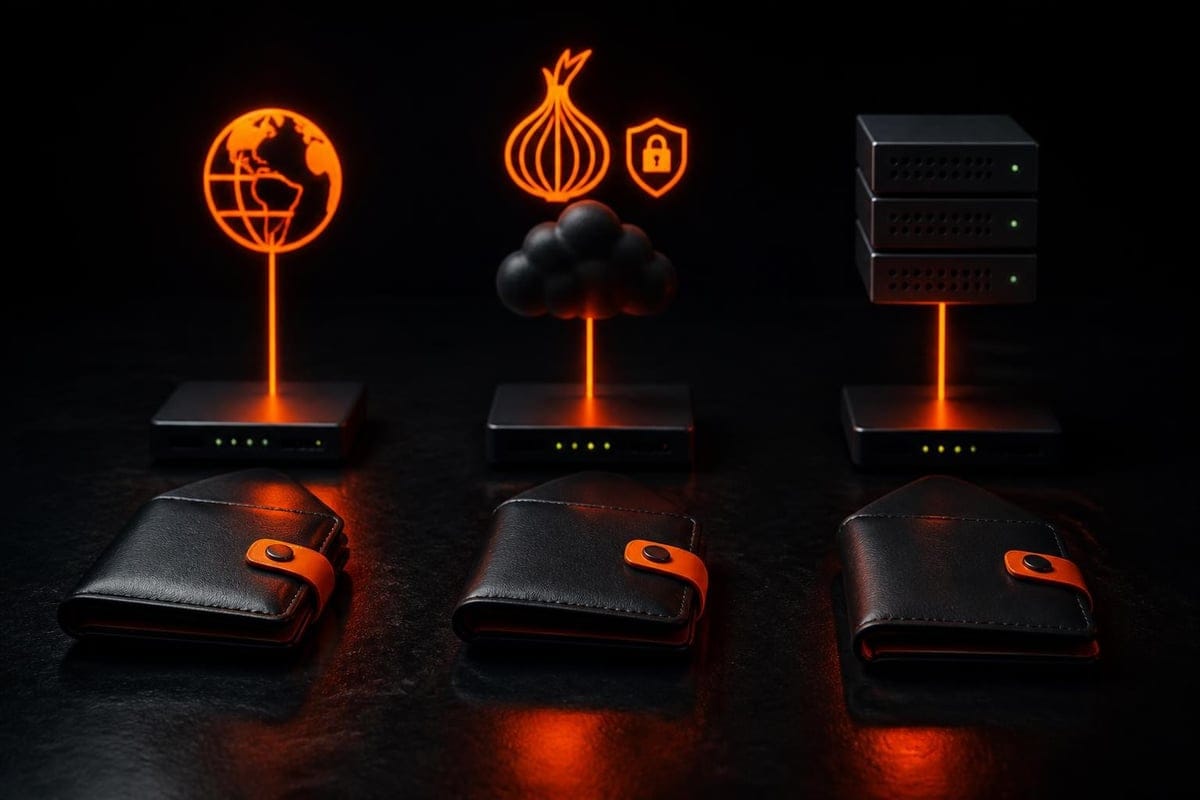
Electrum has been around since 2011 and remains the best non custodial wallet for Bitcoin power users. It's lightweight because it doesn't download the full blockchain. Instead, it connects to Electrum servers that index the Bitcoin network. You can configure it to use your own Electrum server or connect through Tor for privacy.
The interface looks dated but offers features like coin control, fee customization, and multi-signature setups. You can create watch-only wallets to monitor addresses without exposing private keys. Hardware wallet integration lets you use Electrum's interface while keeping keys on a Ledger or Trezor.
Feather Wallet Serves Monero Users
Feather Wallet provides a clean desktop experience for Monero. It connects to remote nodes by default but you can point it to your own Monero daemon. The wallet includes a built-in Tor option that routes all connections through the Tor network without additional configuration.
Feather displays transaction history, creates QR codes for receiving, and supports offline transaction signing. The coin control feature lets you select specific outputs to spend, which matters for Monero's privacy model. When you swap BTC to XMR or exchange ETH for Monero, you need a reliable XMR wallet to receive funds. Feather handles that without requiring advanced technical knowledge.
Multi-Signature Wallets Distribute Control
Multi-signature wallets require multiple private keys to authorize transactions. A 2-of-3 setup means any two of three keys can sign. This protects against single points of failure and works well for shared funds or organizational holdings.
Common multi-sig configurations:
- 2-of-3 personal backup - You hold two keys in different locations, trusted party holds third
- 2-of-2 joint account - Both parties must agree to every transaction
- 3-of-5 treasury - Three of five board members needed to move funds
- Time-locked recovery - Standard key plus backup key that activates after delay
Electrum supports multi-sig natively. You generate separate wallets on different devices, export the master public keys, and combine them into a multi-sig wallet. Each co-signer sees proposed transactions and adds their signature. Once the threshold is met, anyone can broadcast.
Gnosis Safe (formerly Multi-Sig) handles multi-signature for Ethereum and EVM chains. It's deployed as a smart contract that enforces signature requirements on-chain. You interact through a web interface that collects signatures from hardware wallets or MetaMask. The contract only executes when enough owners have signed.
Trade-Offs Between Security and Usability
Multi-signature adds complexity. You need to coordinate with other key holders or maintain multiple devices yourself. Each signature requires a separate action, which slows down transactions. For large amounts or organizational funds, this friction is worth the added security. For daily transactions, it's excessive.
Research into non-custodial wallet design shows that users struggle with key management even in single-signature setups. Multi-sig requires understanding threshold schemes and backup strategies. Most people should start with a simple hardware wallet before attempting multi-signature configurations.
Privacy-Focused Wallets Minimize Data Leakage
Standard wallets often leak privacy through network connections. When you check your balance, you tell a server which addresses you own. When you broadcast transactions, you reveal your IP address. Privacy-focused wallets minimize these leaks.
Wasabi and Samourai Implement CoinJoin
Wasabi Wallet coordinates CoinJoin transactions that mix your Bitcoin with other users. Multiple people contribute inputs and receive outputs in a single transaction. This breaks the link between your old and new addresses. Wasabi connects exclusively through Tor and doesn't collect user data.
Samourai Wallet (mobile) takes a similar approach with Whirlpool mixing. It also includes Ricochet (adds hops between transactions), PayNym (reusable payment codes), and Stonewall (creates misleading transaction patterns). These features target different privacy threats but all aim to obscure transaction graphs.
Both wallets have faced regulatory scrutiny. Understanding the legal landscape matters when choosing privacy tools. NIST's discussion of wallet security models acknowledges that subscriber-controlled wallets require careful threat modeling. Privacy features that protect against corporate surveillance can also complicate compliance in certain jurisdictions.
Cake Wallet Handles Monero and Bitcoin
Cake Wallet provides mobile access to Monero, Bitcoin, and Litecoin. The Monero integration is native and runs a light wallet protocol that doesn't require downloading the full chain. It includes built-in exchange features and connects to Monero nodes over Tor if configured.
For users who primarily hold Monero, Cake offers better integration than generic multi-chain wallets. The interface shows Monero-specific features like subaddresses and transaction keys for proving payments. When you need to convert USDT to XMR or swap DAI for Monero, having a dedicated Monero wallet simplifies the receiving process.
Choosing Based on Your Threat Model
Your threat model determines which wallet features matter. Define what you're protecting against before selecting tools. A casual user faces different risks than someone handling large amounts or operating in a hostile jurisdiction.
Common threat scenarios:
| Threat | Risk | Recommended Wallet Type |
|---|---|---|
| Malware on computer | High | Hardware wallet with address verification |
| Exchange collapse | High | Any non-custodial wallet with seed backup |
| Physical theft | Medium | Hardware wallet with strong PIN, decoy accounts |
| Transaction surveillance | Medium to High | Privacy-focused wallet with Tor/VPN |
| Device loss | High | Multi-sig or encrypted cloud backup |
| Regulatory seizure | Varies | Non-custodial with strong encryption |
Someone who's worried about malware should use a hardware wallet even if it's inconvenient. Someone concerned about physical security might prefer a mobile wallet with strong encryption and remote wipe capability. There's no universal answer.
Wharton's analysis of custody models notes that non-custodial approaches shift both control and responsibility to users. Regulatory frameworks increasingly distinguish between custodial services (subject to licensing) and self-custody tools (generally unregulated). This distinction matters for wallet developers and users operating across jurisdictions.
Integration with Swap Services
Non-custodial wallets pair naturally with non-custodial exchange services. When you control your own keys, you can transact without creating accounts or passing through identity checks. The swap service never holds your funds beyond the atomic exchange period.
A typical flow starts with you initiating a swap from your wallet. You send funds to a time-locked address. The service detects your deposit, executes the exchange, and sends the output currency to your receiving address. If anything fails, the time lock expires and you reclaim your original funds. No registration, no KYC, no account to compromise.
This model works particularly well for Monero swaps where privacy is the primary goal. You might convert BNB to XMR or exchange SOL for Monero to move funds into a privacy-preserving asset. Your non-custodial wallet ensures nobody else touches your keys during the process.
Verifying Receiving Addresses
Always verify receiving addresses on your wallet's screen, not just on your computer display. Malware can modify clipboard contents or display fake addresses. Hardware wallets show addresses on their secure screens. Mobile wallets should let you compare the full address before confirming.
For Monero specifically, use integrated addresses or subaddresses for each transaction. This prevents address reuse and makes it harder to link your payments. Feather and Cake wallets generate these automatically. When setting up a swap, copy the fresh address directly from your wallet rather than reusing old ones.
Backup and Recovery Procedures
Your seed phrase is your wallet. Write it on paper and store it securely. Don't take photos, don't store it in cloud services, don't enter it into any computer except during recovery. The 12 or 24 words can recreate your wallet on any compatible device.
Backup best practices:
- Write the seed phrase on paper immediately after generation
- Verify the backup by recovering a test wallet
- Store copies in physically separate locations
- Consider metal backup plates for fire/water resistance
- Never store seeds in password managers or cloud storage
- Test recovery annually to ensure the backup still works
Metal backup solutions like Billfodl or Cryptosteel protect against fire and flooding. They hold stamped metal letters that spell out your seed words. This adds cost but makes sense for wallets holding significant value. Paper is fine for moderate amounts if stored in a safe or safety deposit box.
Some users split seeds using Shamir Secret Sharing. This generates multiple shares where any threshold can recover the original seed. A 2-of-3 split means you need any two shares to recover. This protects against losing one backup but adds complexity to the recovery process.
Updating Wallet Software
Wallet developers release updates to fix vulnerabilities and add features. Staying current matters for security. Most wallets notify you when updates are available. Some auto-update while others require manual downloads.
For hardware wallets, firmware updates usually happen through the manufacturer's desktop application. Ledger and Trezor both push updates regularly. Read the release notes before updating to understand what changed. Some updates add new coin support while others fix critical security issues.
Desktop and mobile wallets update through their respective app stores or direct downloads. Open-source wallets let you verify the code before installing. Check GPG signatures on downloaded files to ensure they haven't been tampered with. This takes extra time but prevents installing compromised software.
When to Upgrade Your Wallet
Technology improves. A wallet that was secure in 2022 might have known vulnerabilities by 2026. Hardware from five years ago might use deprecated encryption. Consider upgrading when:
- The manufacturer stops providing security updates
- New standards (like larger key sizes) become necessary
- Your current device shows physical wear or damage
- You need compatibility with new cryptocurrencies or protocols
- Major security vulnerabilities are discovered in your model
Transfer your funds to the new wallet carefully. Set up and verify the new device completely before moving assets. Send a small test transaction first. Once confirmed, transfer the rest. Keep the old wallet until you're certain everything works correctly.
The best non custodial wallet depends entirely on how you use cryptocurrency and what threats concern you most. Hardware devices offer unmatched security for long-term holdings while mobile wallets provide everyday convenience. Privacy-focused options protect transaction history from surveillance. Choose based on your specific needs rather than following generic recommendations. When you're ready to exchange cryptocurrencies while maintaining the same privacy and control principles, MoneroSwap provides non-custodial swaps with no KYC or registration, ensuring your self-custody extends through the entire transaction lifecycle.
Swap into or out of Monero, no KYC
MoneroSwap is a private Monero swap with no account, no KYC, and no logs. Open source and available over Tor. Verify every claim, then swap BTC to Monero, ETH to Monero, USDT to Monero, or see all pairs. New here? Start with the FAQ.
← All guides